How to Turn a Livestream into a Family Game Night
Plan a family game night around a Late Night Vision livestream: set up devices, join LNV Play together, and keep it fun and safe for all ages.
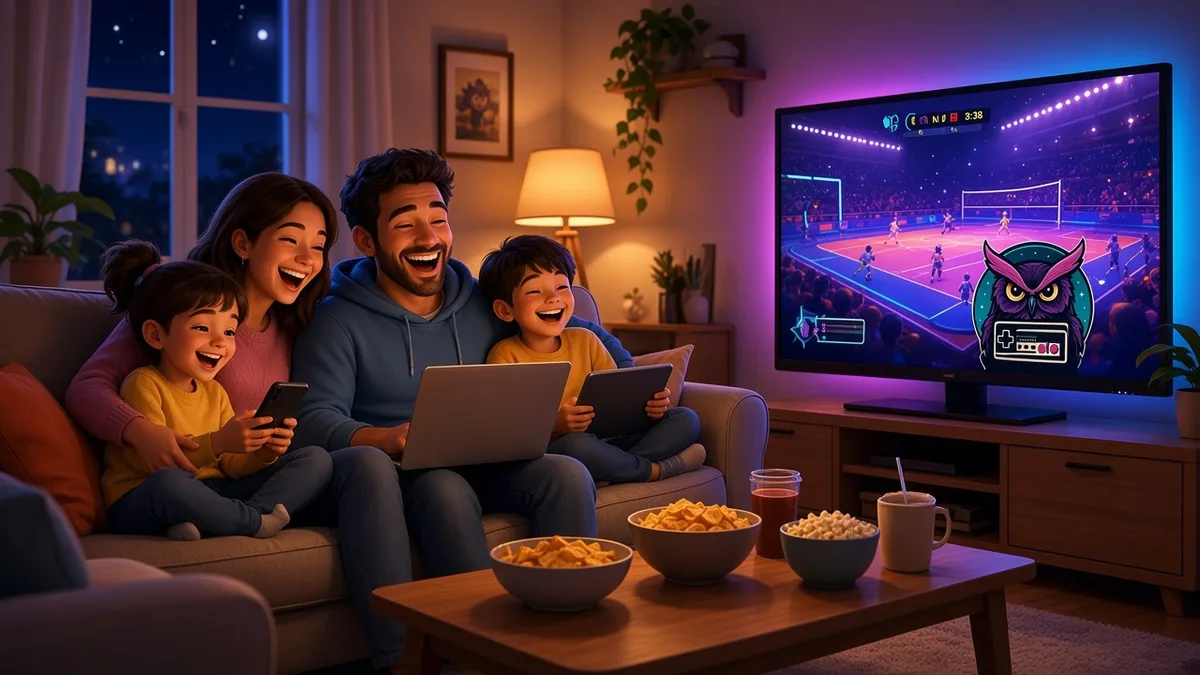
Family game night does not have to mean one controller passed around the couch. With a Late Night Vision livestream on the TV and LNV Play in the browser, everyone in the house can play in the same match at the same time. Here is how to set it up.
What you need
- The stream on a big screen. Put the Late Night Vision livestream on a TV or monitor everyone can see. That is where the room code shows up.
- One device per player. A laptop, desktop, phone, or tablet with a supported modern browser and WebGL. There is nothing to download.
- A good internet connection so the match stays smooth.
Desktop players use the keyboard and mouse (W A S D to move, the mouse or arrow keys to aim, left click or Space to fire, Q for the special), and phones and tablets get twin touch controls. The beginner's guide to the arena modes covers the details.
Why it works for families
LNV Play was designed to be welcoming for all ages:
- No accounts. Nobody signs up or shares an email address.
- Generated family-friendly names. Every player gets a name from the game instead of typing their own.
- No player chat. There are no direct messages, friend lists, or public profiles in the game.
- Clear rules. The Game Rules are short enough to read out loud before you start.
More on that in family-friendly multiplayer on a livestream.
Getting everyone in
When the host shows the five-digit room code on stream, everyone enters it on their own device through the join panel on the home page. Each player then picks one of the 30 operators, and each operator can only be picked once per room, so decide who gets the favorite before the code goes up.
A room holds up to 30 combined players and bots, so there is space for the whole household and plenty of other viewers.
Make it a tradition
A few ideas to keep game night fun:
- Short rounds, easy breaks. Rounds last 60 to 120 seconds, perfect for younger players and quick snack runs.
- Team up. In team deathmatch and capture the flag, family members might end up on opposite teams. Friendly rivalry is part of the fun.
- Celebrate the small wins. First elimination, first flag capture, or surviving longest in last player standing all deserve a cheer.
- Watch the recaps together. The channel's Victory Royale recaps are a fun way to warm up.
Good habits to share
Game night is a great time to talk about playing online safely. The rules ask players to keep it family-friendly, play fair, and never share real names or other personal information. The game's generated names help with that, but it is still a good conversation to have.
Ready for game night?
Check when the next Late Night Vision stream is on, get the snacks ready, and when the code appears, join the game together. First time? Start with how to join a live LNV Play game.