Browser Multiplayer vs Downloaded Games: Pros and Cons
Browser multiplayer games start in seconds with no install. Here is how they compare to downloaded games on devices, performance, and safety.
Some games take an hour to download and install. Others start the moment you open a link. Browser multiplayer games have come a long way, and for many groups they are now the easiest way to play together. They are not the right choice for everything, though. Here is an honest look at the trade-offs.
What "no download" really means
"No download" means there is nothing to install. Your browser still fetches the game's code, pictures, and sounds when you open the page, and it may keep some of them cached so the next visit loads faster. When you close the tab, the game is gone. There is no installer, no launcher, and no update to wait for.
Browser games can still store small amounts of data, such as cookies or saved settings, just like any website. A good game explains what it stores in its privacy policy. For example, the LNV Play Privacy Policy lists each cookie and browser storage item and how long it lasts.
Where browser multiplayer games shine
- Instant start. Open a link or enter a code and you are playing within seconds.
- Almost any device. The same game runs on a laptop, a desktop, a phone, or a tablet.
- No storage space or updates. Nothing fills up your device, and everyone always has the latest version.
- Easy to share. A link or a short room code is all a friend needs.
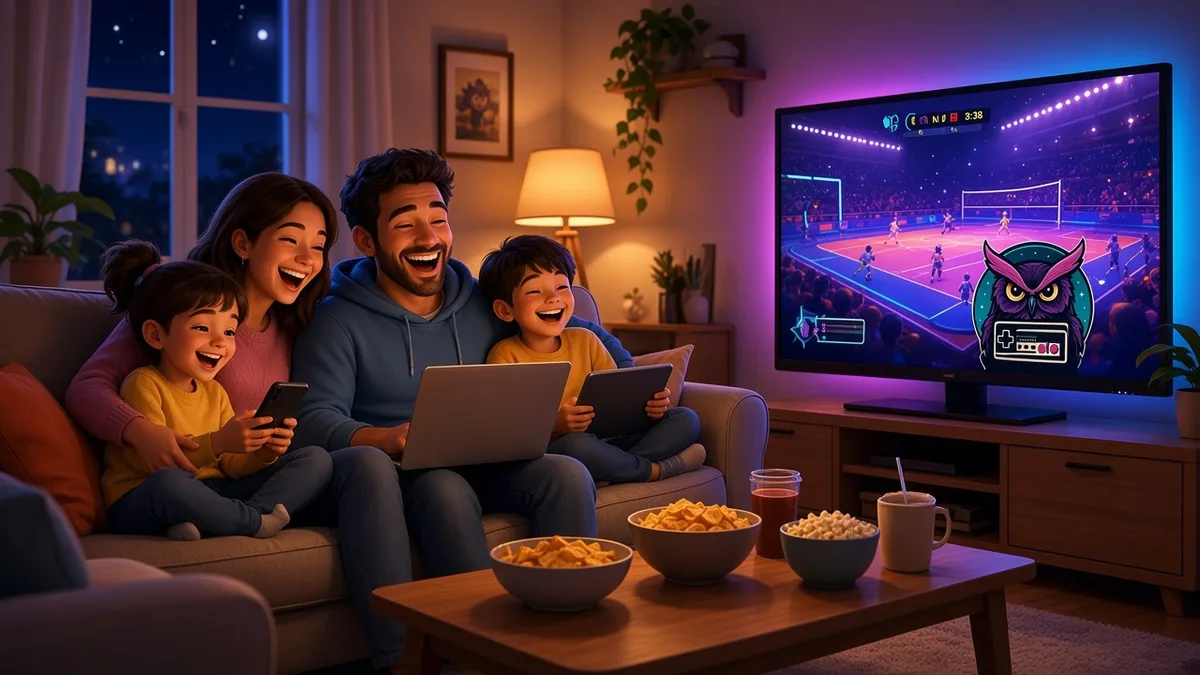
- Great for mixed groups. Families and livestream audiences rarely own the same console or game. A browser game lets everyone join from what they have.
Where downloaded games still win
- Graphics and scale. Installed games can use more of your hardware and much larger worlds.
- Offline play. Browser multiplayer needs a live connection. Many downloaded games work without one.
- Long-term progression. Big downloaded games often have accounts, unlocks, and saved progress across seasons.
- Controller and accessory support. Consoles and many PC games support a wider range of controllers and devices.
What your device needs
A browser multiplayer game usually needs four things:
- A current browser, such as Chrome, Edge, Firefox, Safari, or Samsung Internet.
- WebGL, the browser feature that draws fast graphics. You can check it at get.webgl.org.
- A WebSocket connection, which keeps a live, two-way link between your browser and the game server.
- A steady internet connection. Stability matters more than raw speed.
For LNV Play specifically, that means a recent version of Chrome, Edge, Firefox, or Samsung Internet, or Safari 16.4 or newer. The full list is on the Late Night Rumble Arena guide.
Tips for smoother browser play
- Use a real browser, not an in-app one. Links opened inside social or chat apps often run in a limited browser. Open them in Safari or Chrome.
- Close heavy tabs. Video tabs and other games compete for the same resources.
- Plug in your laptop. Some laptops slow down graphics on battery power.
- Stay close to your Wi-Fi router, or use a wired connection if you can.
- Turn down effects on older devices. LNV Play has a reduced effects setting on its accessibility page.
Safety and privacy
Browser games run inside the browser's security sandbox, and there is no installer that can change your system. That is a real advantage, especially for younger players. It does not mean every site is safe, though. Before you play, check whether the game needs an account, whether it has open chat, and what its privacy policy says it collects.
LNV Play was designed with that checklist in mind: no player accounts, no player chat, generated family-friendly names, and no behavioral advertising or advertising trackers. More on that in family-friendly multiplayer on a livestream.
Quick comparison
| Feature | Browser multiplayer | Downloaded game |
|---|---|---|
| Time to start | Seconds | Minutes to hours |
| Devices | Nearly any device with a modern browser | Usually one platform per copy |
| Storage and updates | None to manage | Can be large, with regular updates |
| Offline play | No | Often yes |
| Graphics and scale | Good, and improving | Best available |
| Best for | Quick sessions, big mixed groups, livestream audiences | Long sessions, deep progression |
Which should you choose?
If you are playing a long campaign or chasing the best graphics, a downloaded game is still the better fit. If you want to get a group playing together right now, on whatever devices they have, a browser multiplayer game is hard to beat.
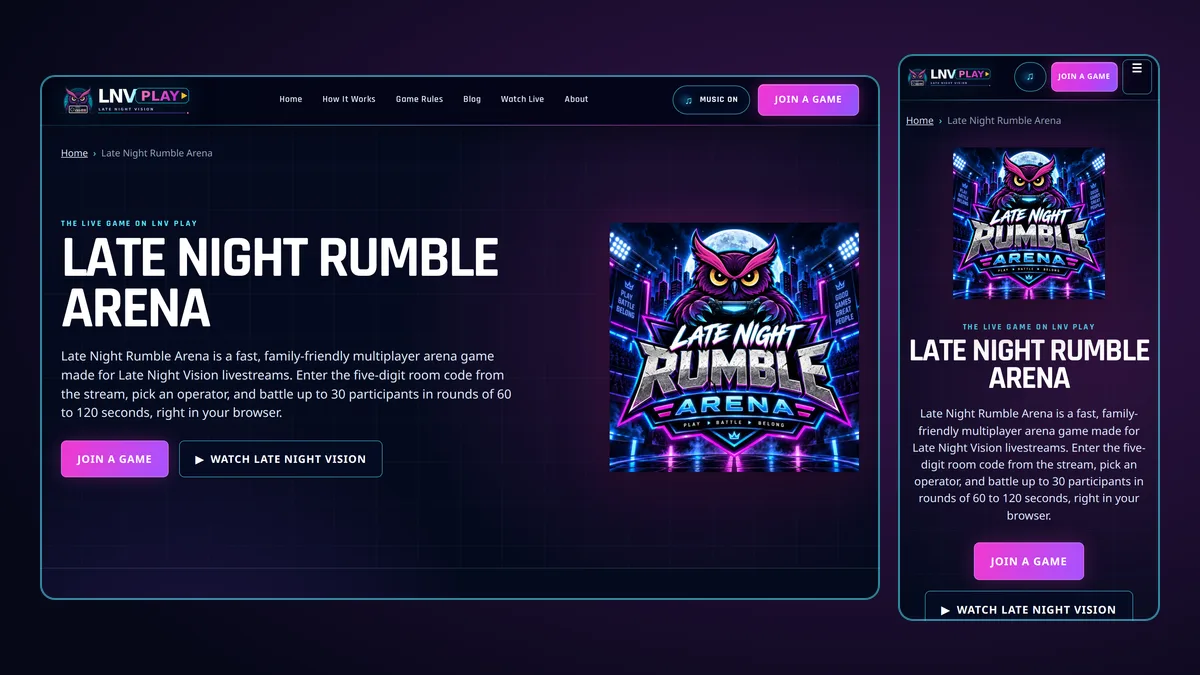
That is exactly why Late Night Vision built Late Night Rumble Arena for the browser. When the code appears on the Late Night Vision stream, anyone watching can join from the home page in seconds.