Games Viewers Can Play With Streamers: 3 Ways to Join In
How viewers can play with a streamer: squad queues, chat-controlled games, and room-code browser games like LNV Play, plus how to pick one.
Watching a livestream is fun. Playing in it is better. If you have ever wondered how viewers actually get into a streamer's game, there are three common formats, and each one works very differently. Here is how they compare, and how to pick the right one whether you are a viewer or a streamer.
1. Squad queues: join the streamer's team
In a squad queue, the streamer keeps one or more open spots in their own game lobby. Viewers sign up in chat, often by typing a command such as !play, and wait for their turn. When a spot opens, the streamer sends an invite and the viewer joins the next match.
What is great about it: you play the real game, on the same team as the streamer, and you might end up on the stream.
The catch: there are only a few spots. A Fortnite squad holds four players, and the streamer takes one of them. You also need the same game installed, a compatible platform, and an account the streamer can invite. On a busy night, most people wait and never get in.
2. Chat-controlled games: play through the chat
In a chat-controlled game, viewers do not get their own character. Instead, they type commands or vote in chat, and the game reads the chat to decide what happens next.
What is great about it: anyone in chat can take part, no matter how many people are watching, and there is nothing to install.
The catch: you share control with everyone else, so your own input is a small part of the result. Stream delay also matters here, because your command reacts to a moment that happened a few seconds ago.
3. Audience games joined with a room code
In an audience game, the streamer hosts a game session and shows a short room code on screen. Viewers open a website on their phone, tablet, or computer, enter the code, and control their own character in the same match.
What is great about it: lots of people play at once, each with their own controls. Browser-based versions need no download, so a family on the couch can all join from whatever device is nearby.
The catch: the game has to be built for audience play, and a host has to open a room. If you miss the code on screen, you wait for the next one.
Why stream delay matters
A livestream always runs a little behind real life. YouTube's own help page on live stream latency says most viewers of a low-latency stream see a delay of less than 10 seconds, and less than 5 seconds on ultra-low latency.
That delay affects the three formats differently. Chat-controlled games feel it the most, because every command is based on an older picture. Squad queues and room-code games avoid it during play, because you control your character directly on your own screen. The delay only affects how quickly you see the code or the invite.
Quick comparison
| Format | Players at once | Install or account needed | Best for |
|---|---|---|---|
| Squad queue | A few | Usually both | Playing beside the streamer in their favorite game |
| Chat-controlled | Everyone in chat | No | Big, casual chats |
| Room-code audience game | Many (LNV Play: up to 30) | Browser versions: no | Letting the whole audience play at once |
Which one should you pick?
- You want to team up with the streamer in a specific game: join the squad queue and be patient.
- You are watching on the go or with a huge chat: chat-controlled games are the easiest way to take part.
- You want everyone watching to play at the same time, including kids or grandparents on phones: look for a room-code game that runs in the browser.
How Late Night Vision does it
Late Night Vision has used both styles. On its Fortnite streams, the channel kept two squad spots open with a !play queue in chat, which you can read about in how Late Night Vision started streaming. To let the whole audience play, the channel built LNV Play.
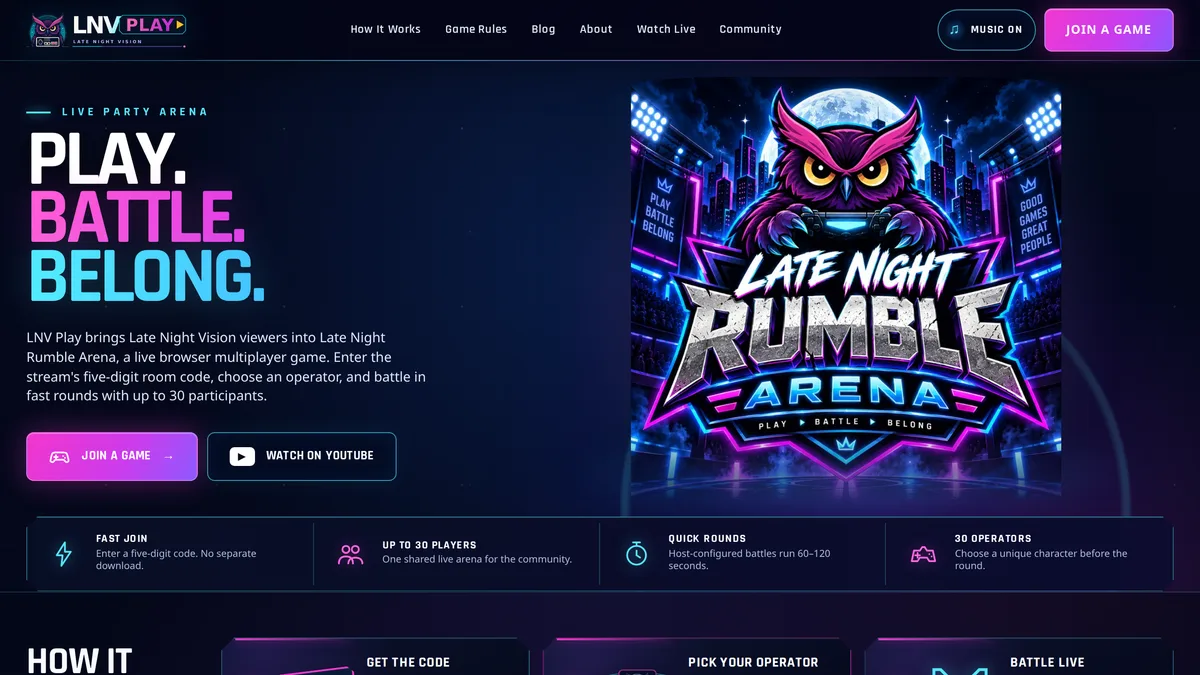
During a stream, a host opens a room in Late Night Rumble Arena and shows a five-digit code. Up to 30 participants, including optional bots, can join from a browser, with no download or account. Rounds last 60 to 120 seconds, so if you miss one, the next is only a minute or two away.
Ready to try it? Read how to join a live LNV Play game, then catch the next stream on the Late Night Vision YouTube channel.